 Shootika
Shopify product photography app
AI product photography for your whole Shopify catalog
Shootika reads your products, shoots them on a model or in a lifestyle scene, and puts the photos you approve straight on the product page. Your first 20 photos are free.
Catalog in
Your catalog is already in
Shootika reads your products, their variants and the photos already on them. There is nothing to export and nothing to upload: open the app and your catalog is waiting.




Shoot
On a model, or in a scene
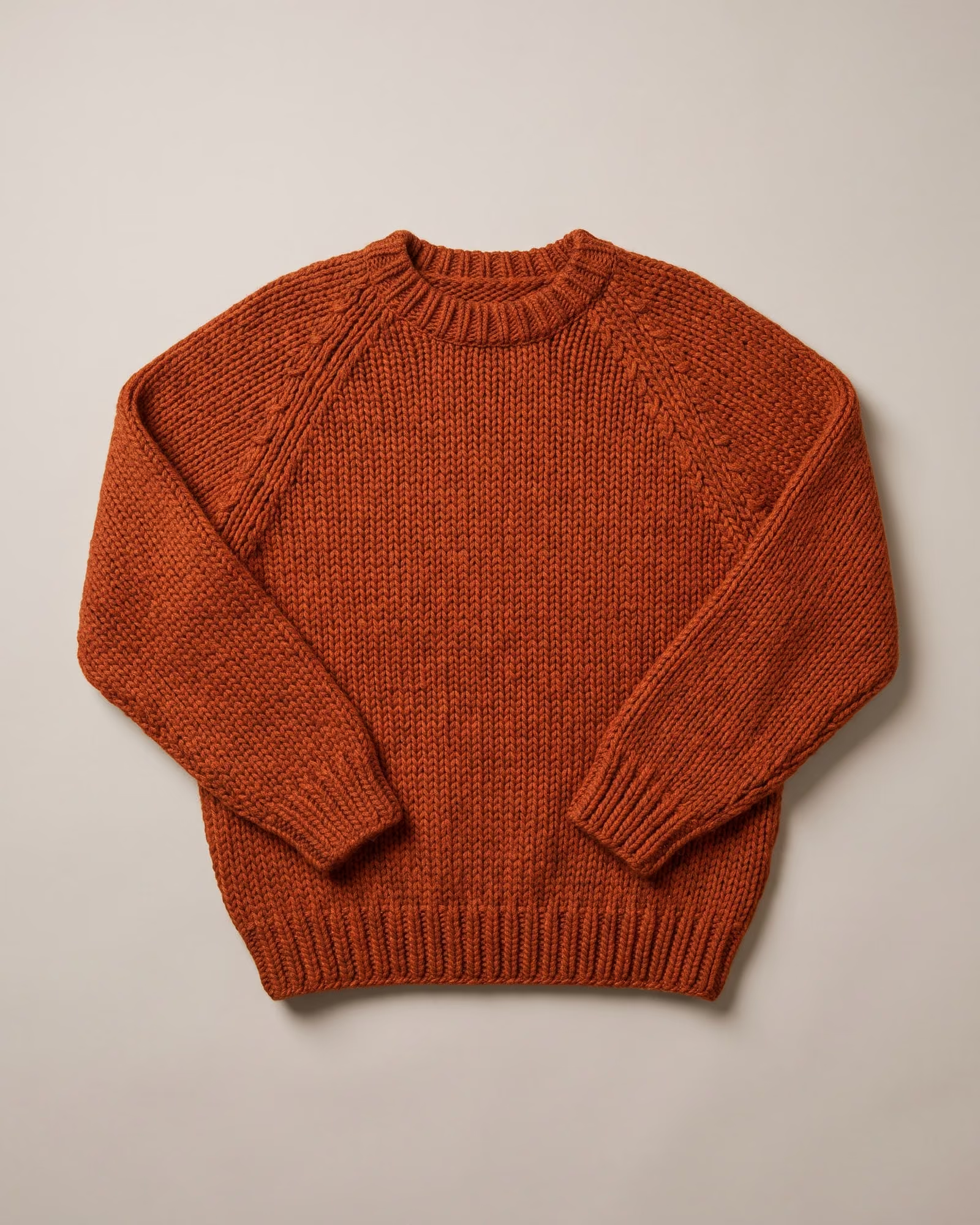
Pick a product, pick the look. Clothing goes on a model from your cast; everything else gets a lifestyle scene built around it.


Publish
Approve it. It is on the product
Every photo arrives as a draft. Tick the ones you want and Shootika writes them into that product's media in one click, in the order you set.
- Nothing reaches your product until you approve it.
- Take a photo down and Shootika removes it from the product again.
- It only ever removes photos it put there itself.


Checked before you see it.
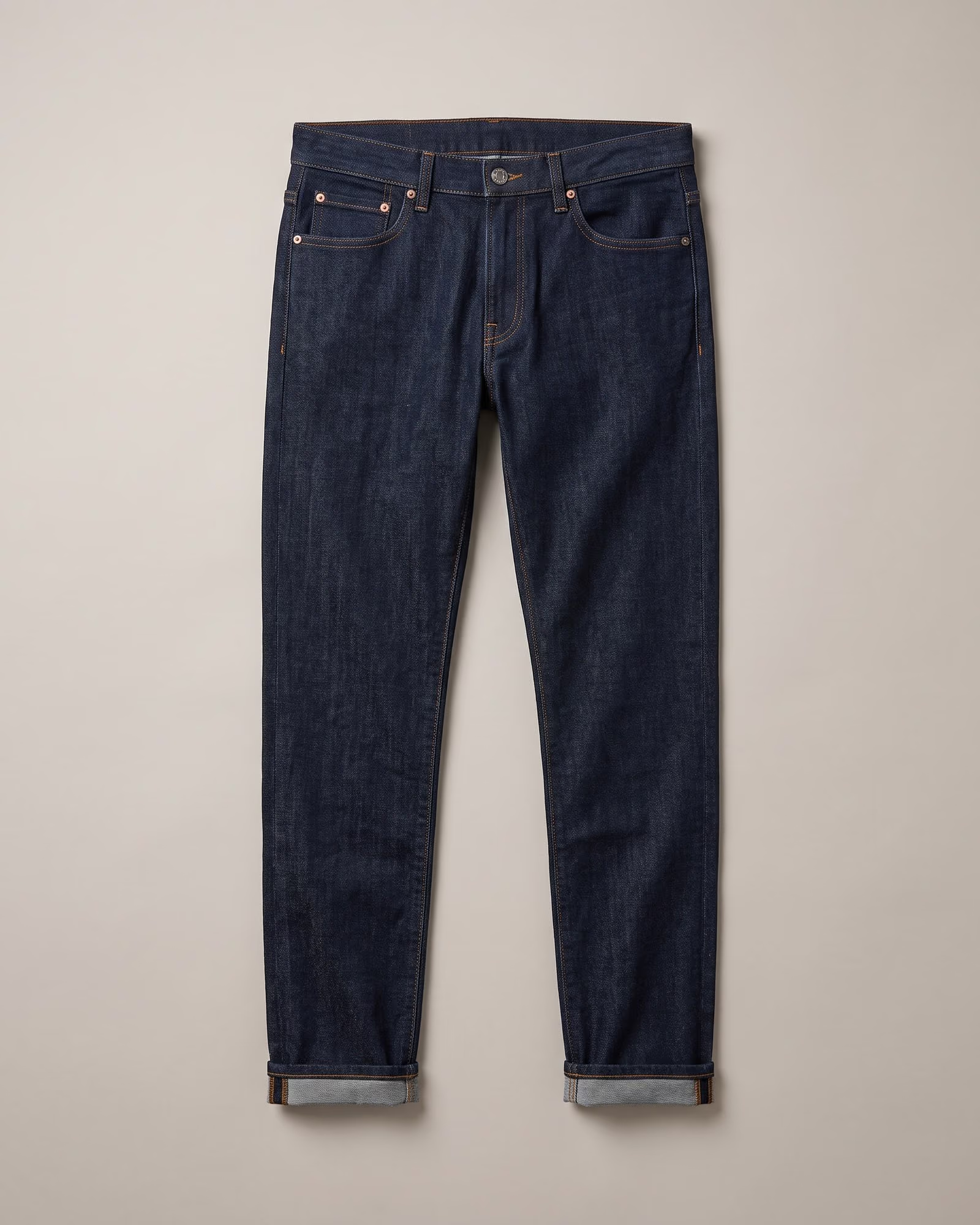
A judge compares every photo with your product before it reaches your drafts, so you review keepers, not mistakes.
How the judge worksCollection runs
Shoot a whole collection at once
Choose a collection, choose the model and the scene, and Shootika shoots every product in it in one run. A new season looks like one shoot, not forty.
- 01
Pick the products
A whole collection, or every product still missing model photos.
- 02
Set the look once
One model and one scene for the whole run, so the pages match.
- 03
Review in one place
Every product's drafts side by side, ready to approve.
Collection runs come with every paid plan. The Free plan shoots one product per run.
Plans
Billed through Shopify
Pick a plan inside the app and approve it in Shopify. The charge appears on your Shopify bill, monthly or yearly, and Shootika never sees your card.
- Free$020 free frames to startTry Shootika on a handful of products.
- Essentials$5.99 / month50 frames each monthFor stores publishing a handful of products a month.
- Growth$24.99 / month200 frames each monthFor growing catalogs with a steady publishing cadence.
- Enterprise$49.99 / month500 frames each monthFor high-volume stores shooting their whole catalog.
On a monthly plan, extra frames past your allowance are usage charges on the same subscription, up to the cap you approve. Yearly plans stop at the allowance.
Permissions, plainly
What Shootika can touch
Shopify asks you to approve these at install. Here is what each one is for.
Uninstalling removes Shootika's access at once. Photos it already published stay on your products, because they are yours.
Read the privacy policy- Read your products
- Products, their variants and the photos on them, so you can shoot them without uploading anything.
- Write product photos
- Only the photos you approve are added to a product's media, and only those can be taken off again.
- Read your store languages
- Which languages your store runs in. Shootika never reads your customers or orders.
- Your plan's subscription
- Shootika creates the app subscription you approve, and cancels or replaces it when you change plan.
Never
- Change your prices, stock or product text
- Publish, unpublish, create or delete products
- Add scripts to your storefront or touch your theme
Questions
Do I need to export or upload my products?
No. Shootika reads your products, variants and their photos from Shopify. Open the app and pick what to shoot.
Will it change my product pages?
Only by adding the photos you approve to the product's media. It never changes prices, stock or product text, and nothing is added to your storefront or theme.
How am I billed?
Through Shopify. You approve the plan in Shopify and it appears on your Shopify bill. Shootika never sees your card.
Can I try it for free?
Yes. Install the app and your first 20 photos are free, with full commercial rights, so you can use them on your store, in ads and on social.
What happens if I uninstall?
Shootika's access ends at once. Photos it already published stay on your products.
Can I run it from Claude or ChatGPT?
Yes. Connect your assistant and ask it to find the products with no model photos, shoot them and show you the drafts. It can only publish if you give it that permission.
My store is not on Shopify. Can I still use Shootika?
Yes. Sign up on the web, add your products and their photos, and download the photos you approve. Same models, scenes and plans.
Shootika in short
Shootika is an AI product photography app made by Dimenso (DIMENSO L.L.C-FZ, Dubai), the team behind TryOn Virtual. It turns the flat-lays a clothing store already has into on-model photos, with AI fashion models and no studio. Shopify stores install it from the Shopify App Store and publish the photos they approve straight to the product; any other online store uses the web app and downloads them. The Free plan includes 20 frames, one frame being one finished photo, with full commercial rights. Paid plans start at $5.99 a month for 50 frames on Essentials, or $59.90 billed yearly.
Claim your 20 free photos
Install the app, pick your worst-photographed product, and see it on a model before you pay anything.