Three things happen, and none of them is a download.
Shootika lives inside your Shopify admin, so the work stays where your products already are.
Install
One click from the Shopify App Store. Shootika asks for read access to products and write access to product media, and nothing else. No theme changes, no scripts on your storefront.
Uninstalling removes the app's access immediately. Images it already published stay on your products, because they belong to you.
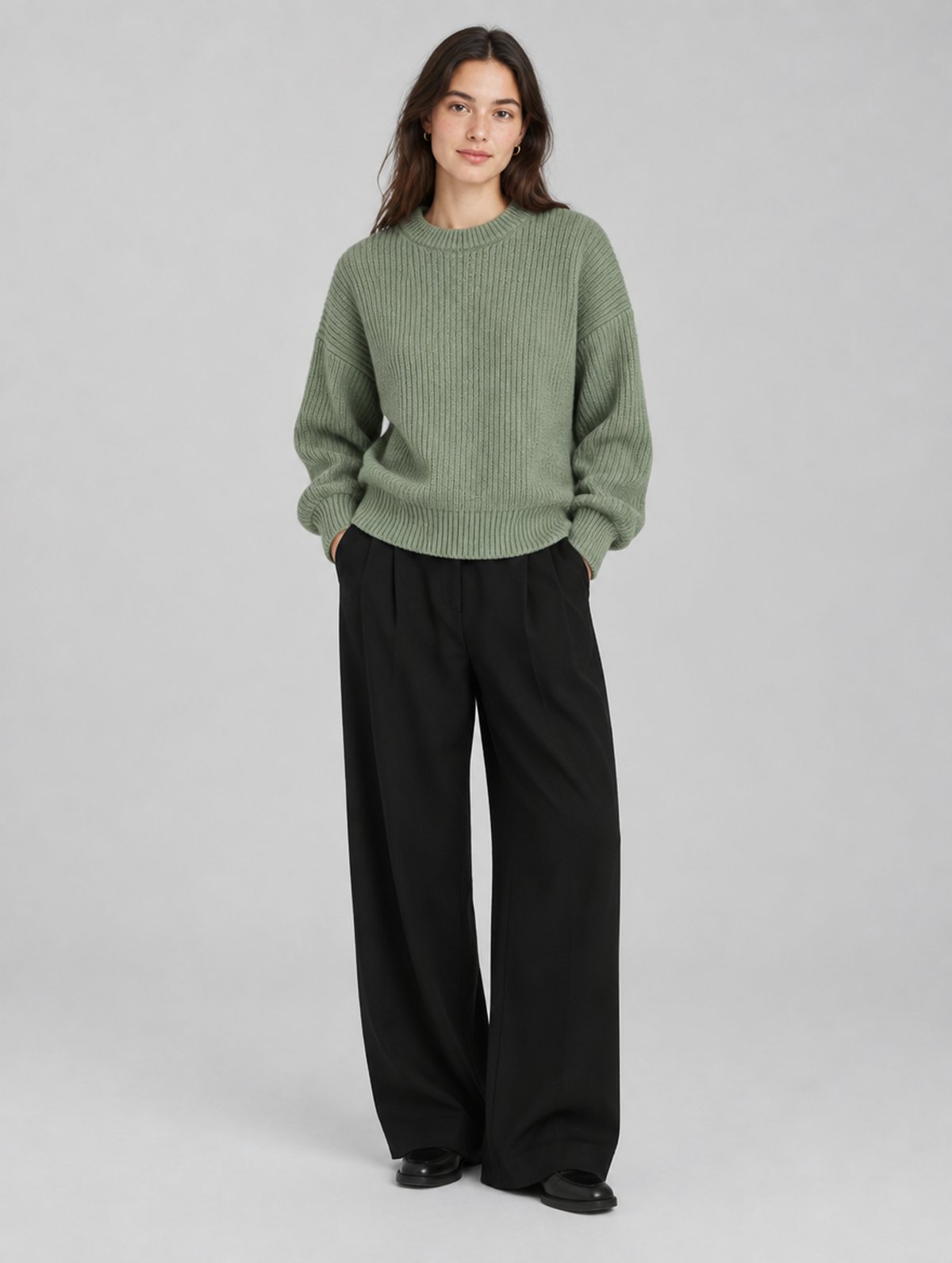
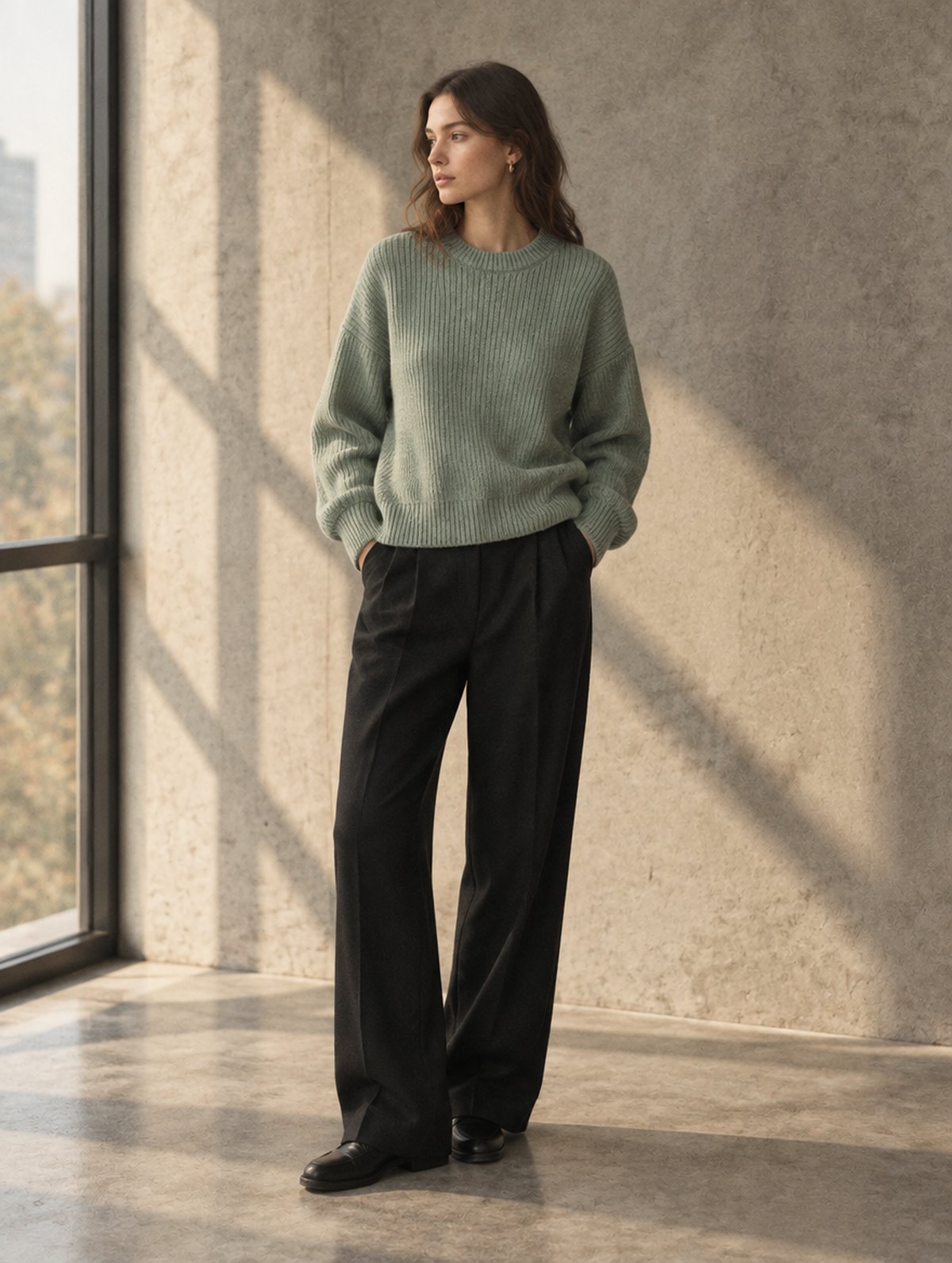
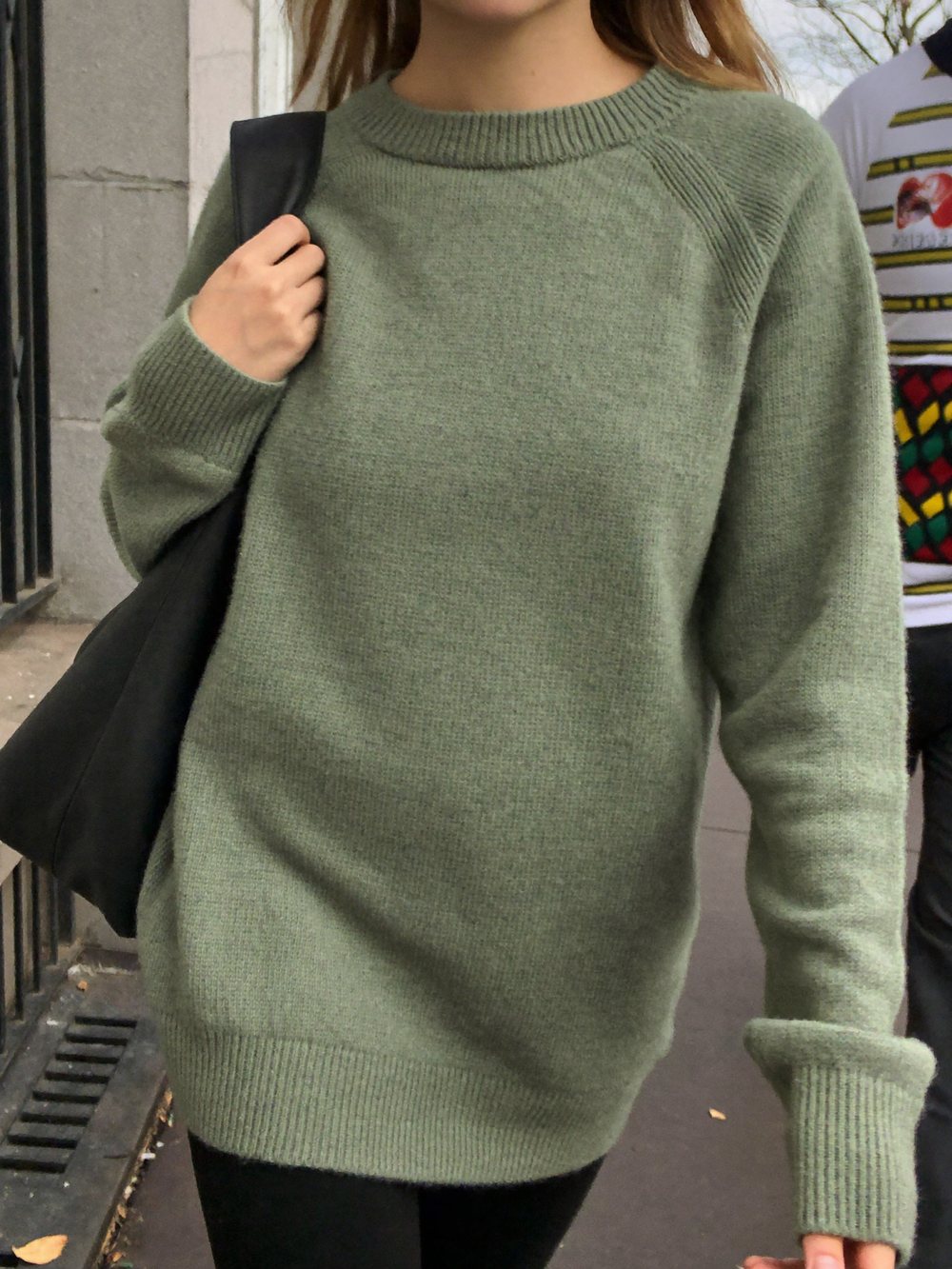
Cast
Pick who wears it and where. Reuse the same model across a whole catalog so the product pages look like one shoot instead of a stock library.
Non-apparel products skip the model and get lifestyle staging instead, on the same engine.
Publish
Every frame arrives as a draft. Tick the ones you want and they are written into that product's media, in the order you set.
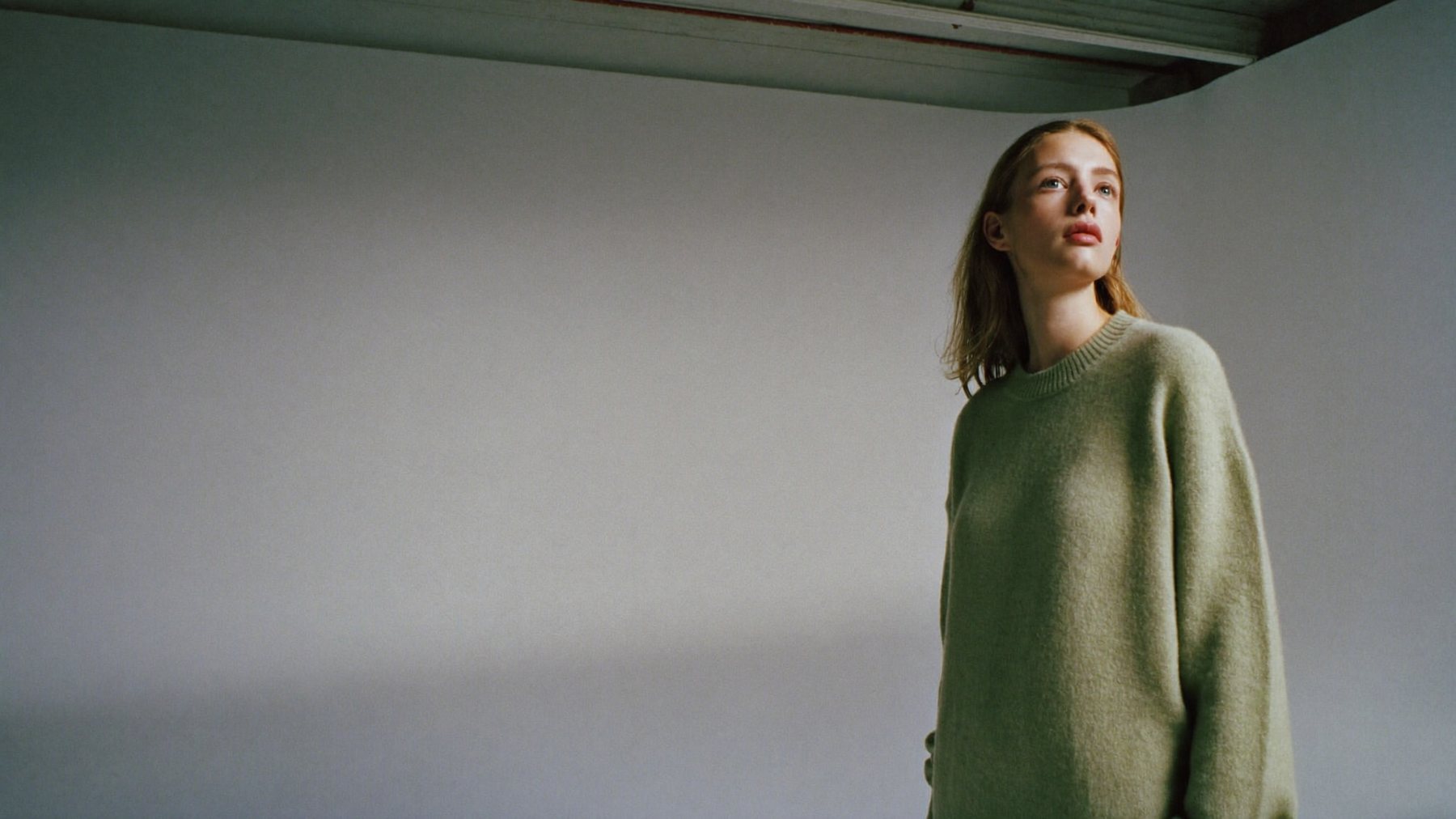
Try it on one product first.
Install, pick your worst-photographed product, and judge the result before you pay anything.